## Version - GitHub Extension for Visual Studio version: `v2.5.9.5485` - Visual Studio version: All ## What happened **Steps to Reproduce** 1. Clone a public repository (_update:_ that isn't one of yours or your organization's) 2. Create a branch and make some commits 3. Click `Create` button on `GitHub` pane 4. Enter pull request title/description and click `Create pull request` **Expected behavior:** - Minimum: Show an error - Better: Let user know how to fork and create a pull request - Best: Automatically fork and create a pull request **Actual behavior:** Nothing happens when `Create pull request` is clicked. **Screenshot or GIF:** 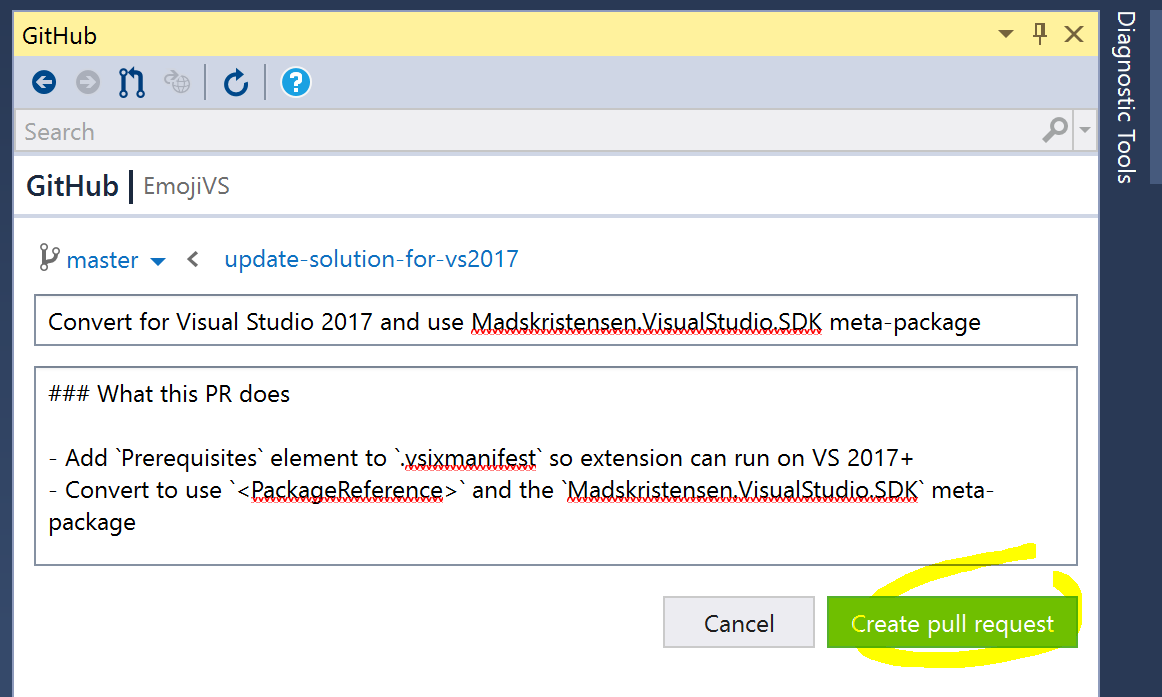 ### Related - Partial fix - #2173: Fix displaying errors in GitHub pane.
Version
v2.5.9.5485What happened
Steps to Reproduce
Createbutton onGitHubpaneCreate pull requestExpected behavior:
Actual behavior:
Nothing happens when
Create pull requestis clicked.Screenshot or GIF:
Related